Controls
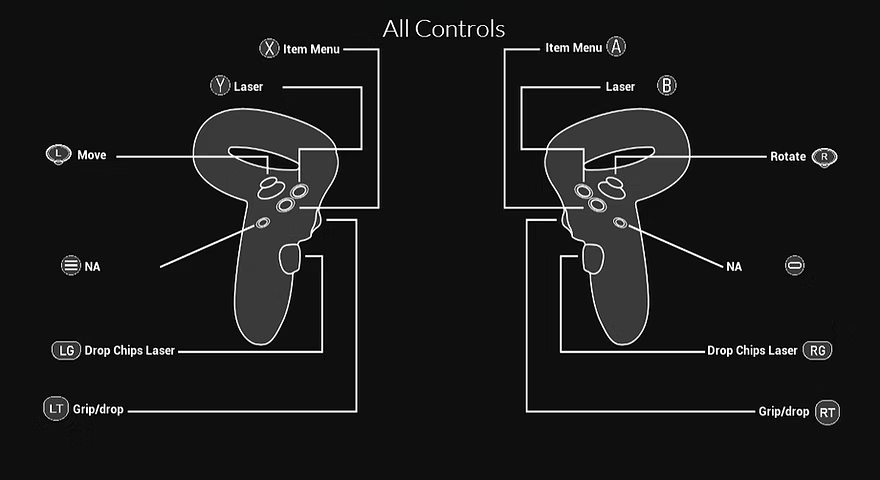
Right joystick to rotate body.
Left joystick to move.
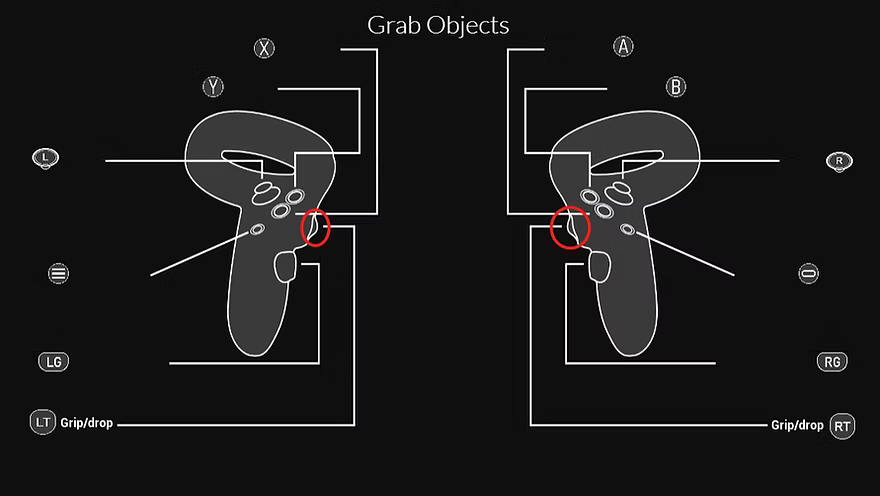
Top grip on left or/and right controller to grab objects.
Release grip to drop object.
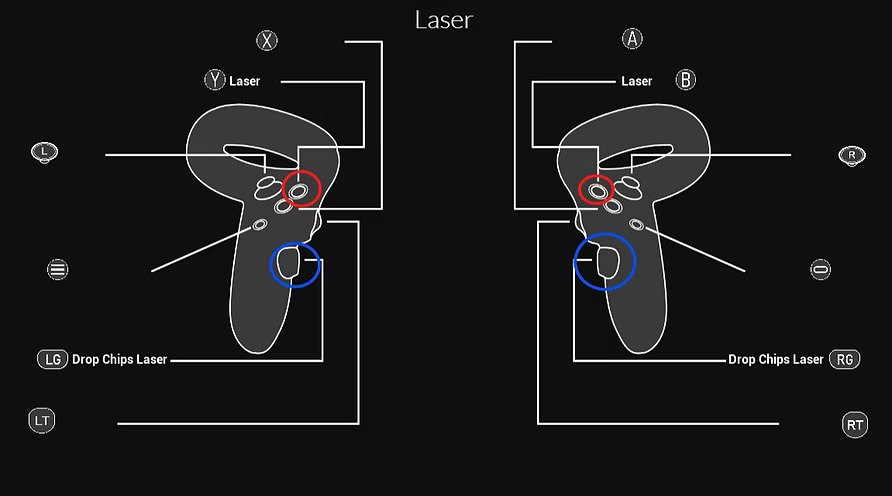
Y on left controller or B on right controller to bring up laser.
Laser allows you to place chips farther away by pressing the lower grip with chips in your hand.
You will notice a red laser and then a green box at the end of the laser, the green box is where the chips will go.
You can also use the grab button to grab chips from farther away with the laser.
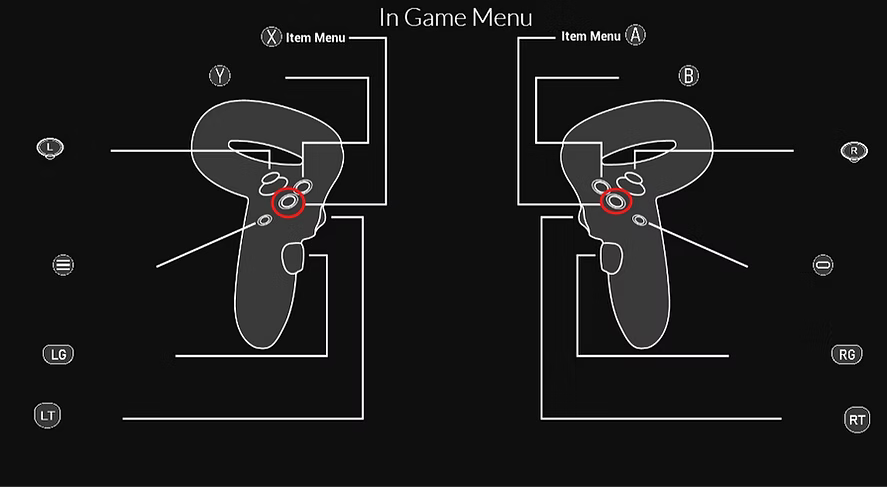
To open menu, press and hold X on the left controller or A on the right controller. To close the menu press the same button you used to open it.
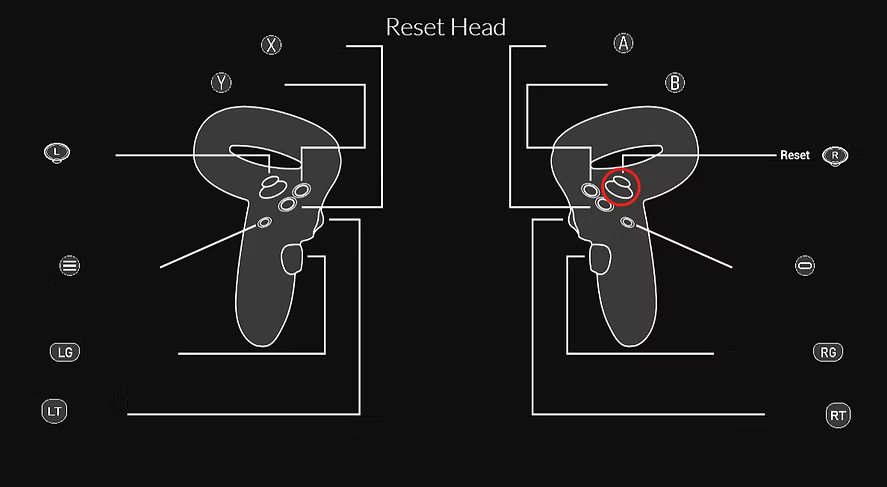
If you think your head is in the wrong position or your body is in the wrong position, push down on the right joystick and it will reset your head position.
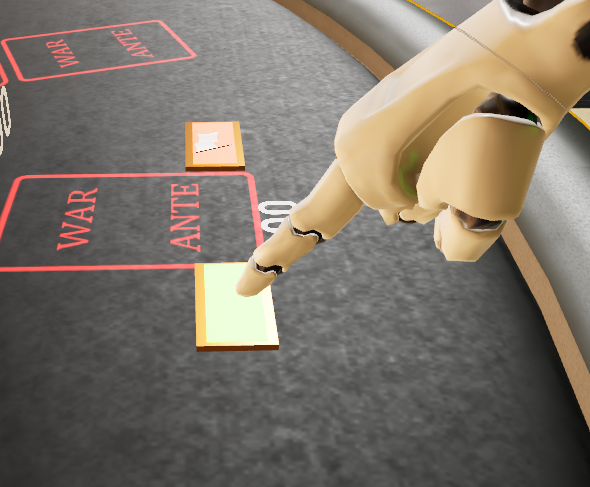
To press buttons just push it with your hand.
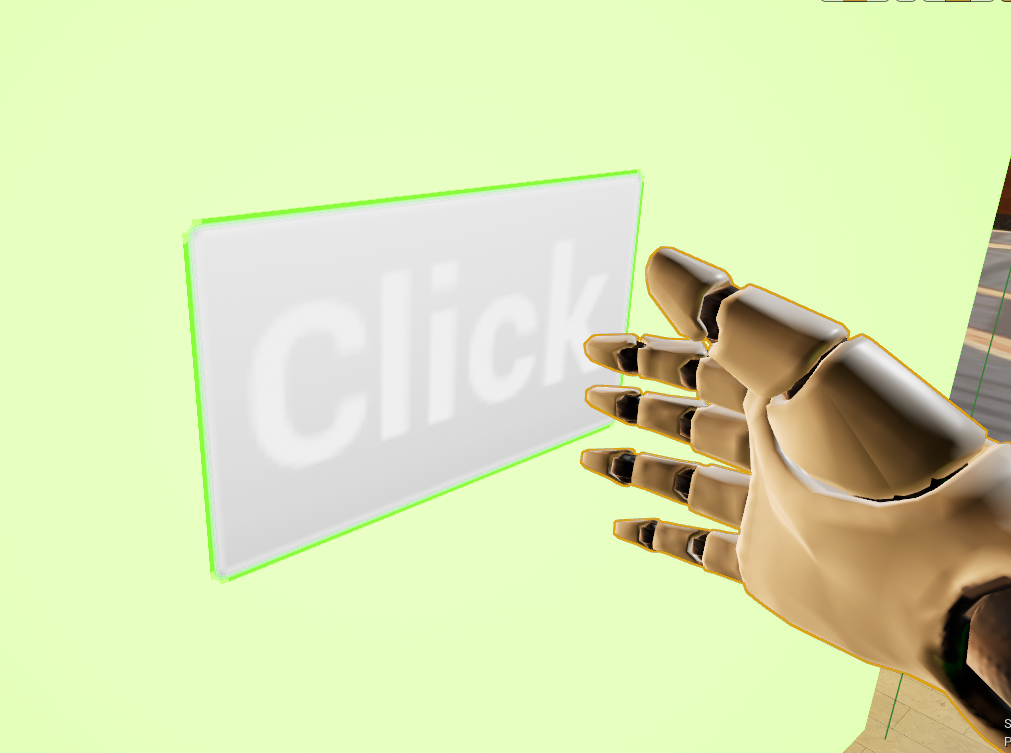
To interact with widgets, point your hand at the specific button on the widget.
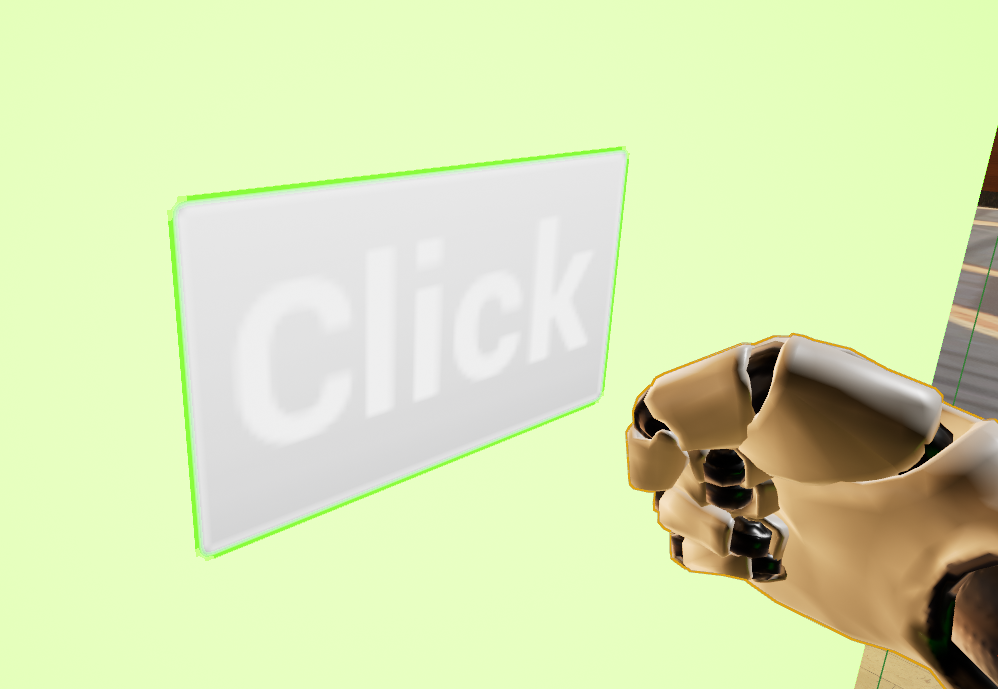
Use the top grip on the same hand to click it.
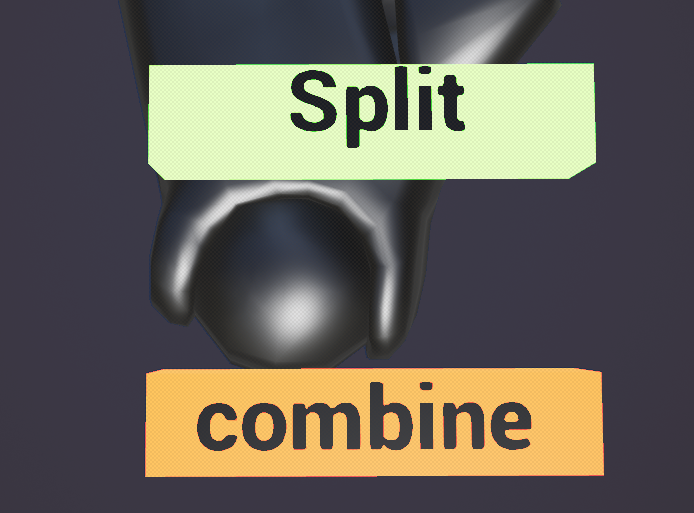
If you would like to split a big chip for smaller chips or combine multiple small chips into a big chip, all you have to do is pick up the chip(s) and in that specific hand that is holding the chips, flip your hand so that your palm is facing up and you should see 2 squares with text saying which one does which.